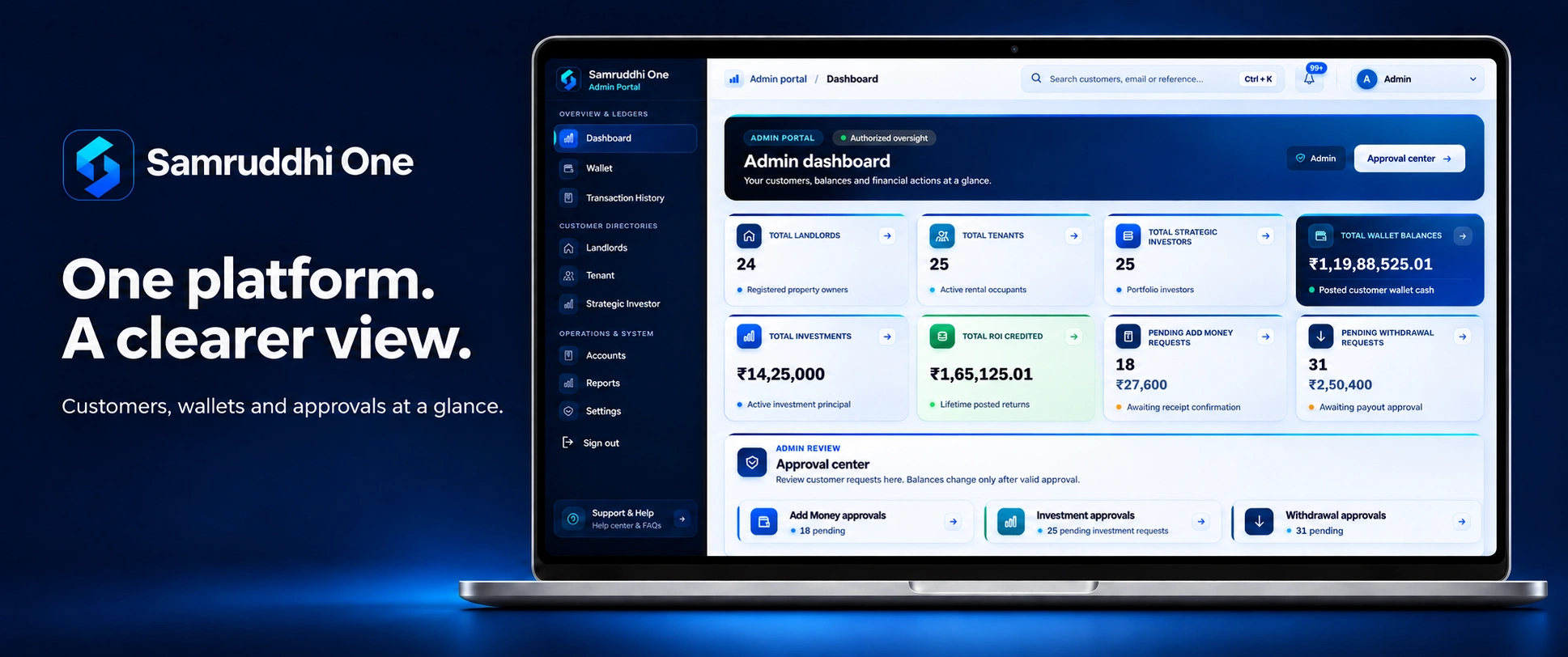
Samruddhi One
Your world. One platform.
Everything.
Beautifully
connected.
Properties, rent, wallets and investments. One clear view.
01 / The platform
One place.
Less friction.
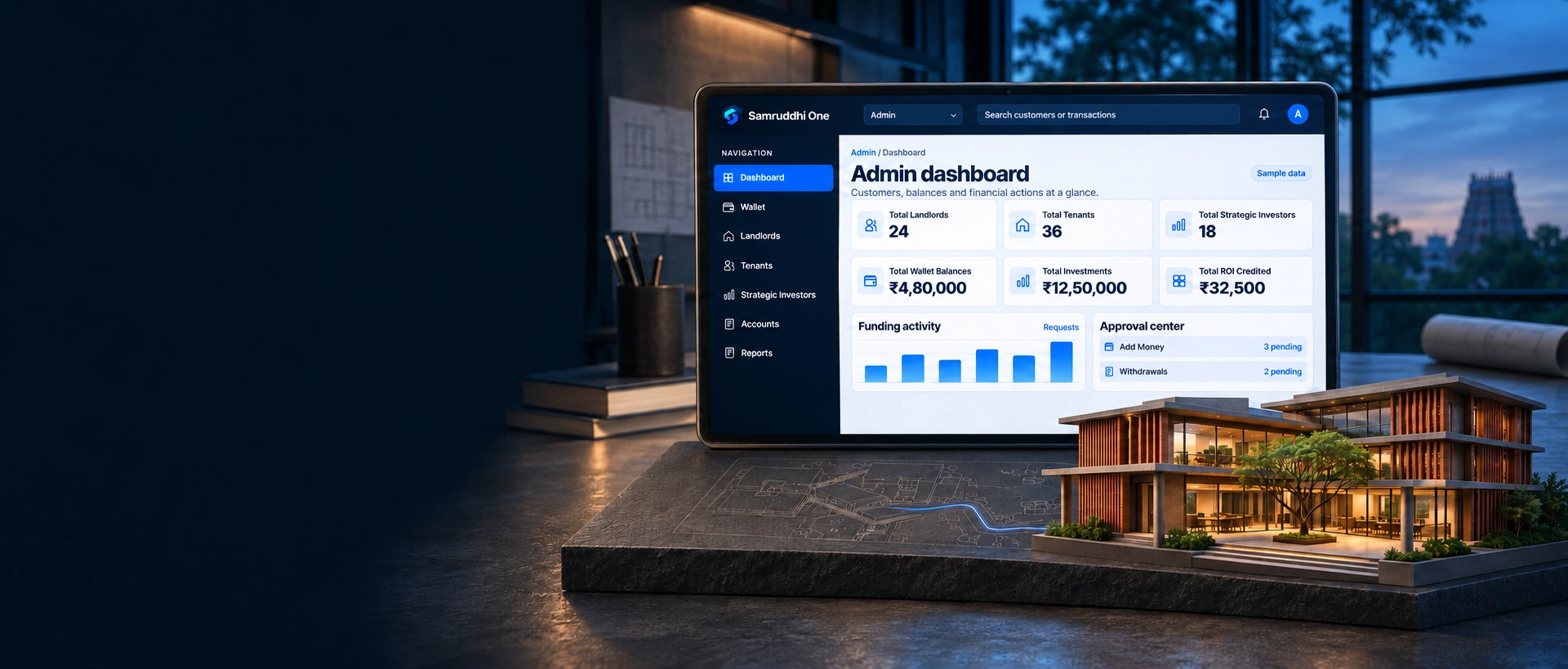
A clearer way to manage what matters.
Wallet & investments
Follow wallet activity, investment requests and credited returns.
- Wallet activity
- Investment requests
- Credited returns
Records, in one place
Look up your history and open reports available for your role.
- Property recordsProperty
- Transaction historyWallet
- Downloadable reportsReports
Admin dashboard preview
Funding & withdrawals
Review request statuses and see which approvals are waiting for action.
View full size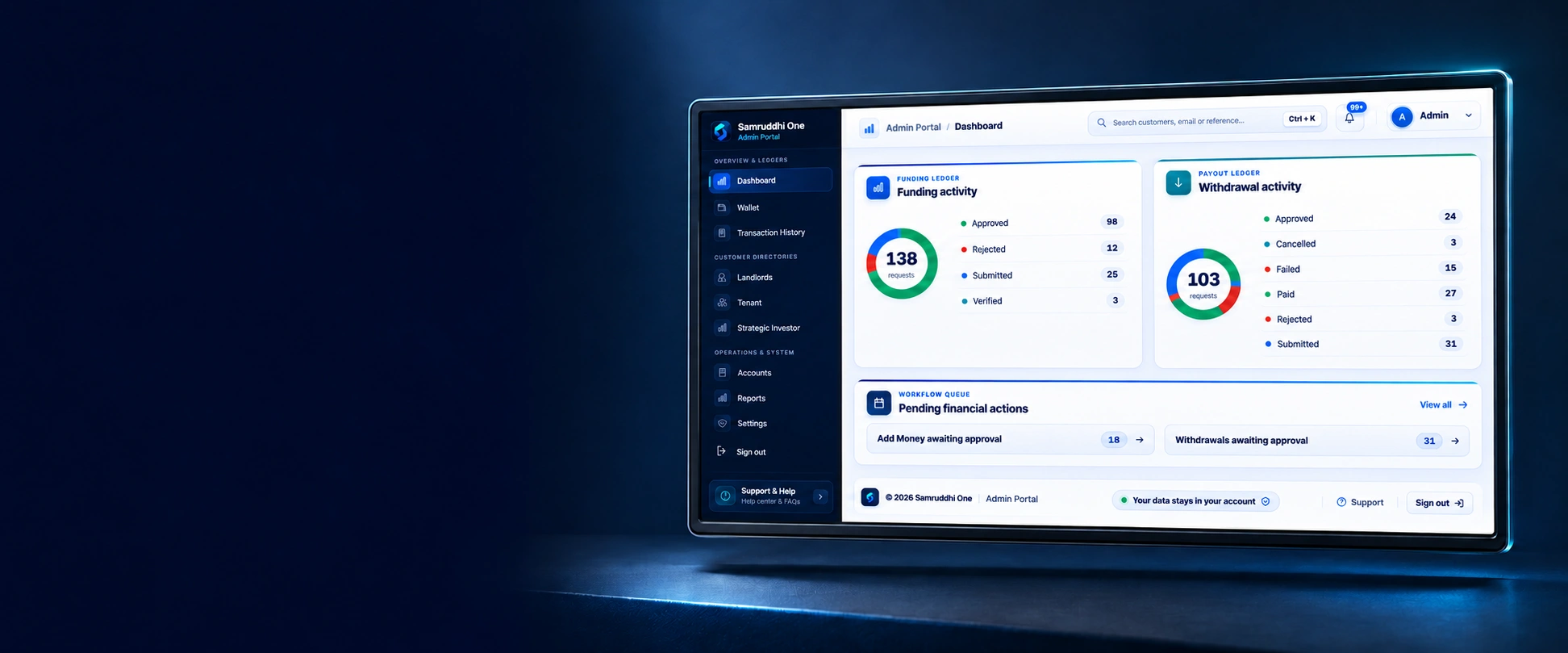
02 / Your dashboard
Different roles.
One experience.
Landlord
Your properties. Your perspective.
See your property records, rent activity and wallet history together.
Tenant
Your rental details, together.
View your assigned property, rent invoices and payment history.
Strategic Investor
Follow every investment.
Track investment requests, active positions, credited returns and wallet history.
Admin
Run the day from one place.
Manage customer and property records, review requests and generate reports.
Accountant
See what’s ready for payout.
Review customer balances, follow approved withdrawals and record manual payouts.
03 / A clearer start
Your next step
starts here.
-
Create your account
Register with your email and choose your customer role.
-
Complete your profile
Add your name, contact information and address.
-
Open your dashboard
See the records and tools available for your role.
Frequently asked questions
Got questions?
Find quick answers below.
Who is Samruddhi One for?
Landlords, tenants and strategic investors use customer dashboards. Admins and accountants have separate staff tools for reviewing requests and managing records.
How are funding and withdrawal requests handled?
Your dashboard shows request status and transaction history. The team reviews requests, while bank transfers and payouts are handled separately.
Where can I view my records?
Sign in to find your property records, wallet activity and investment history. The sections you see depend on your role and the records linked to your account.
How do I know when a request changes?
Open the notification inbox in your dashboard for updates on requests and account activity.